

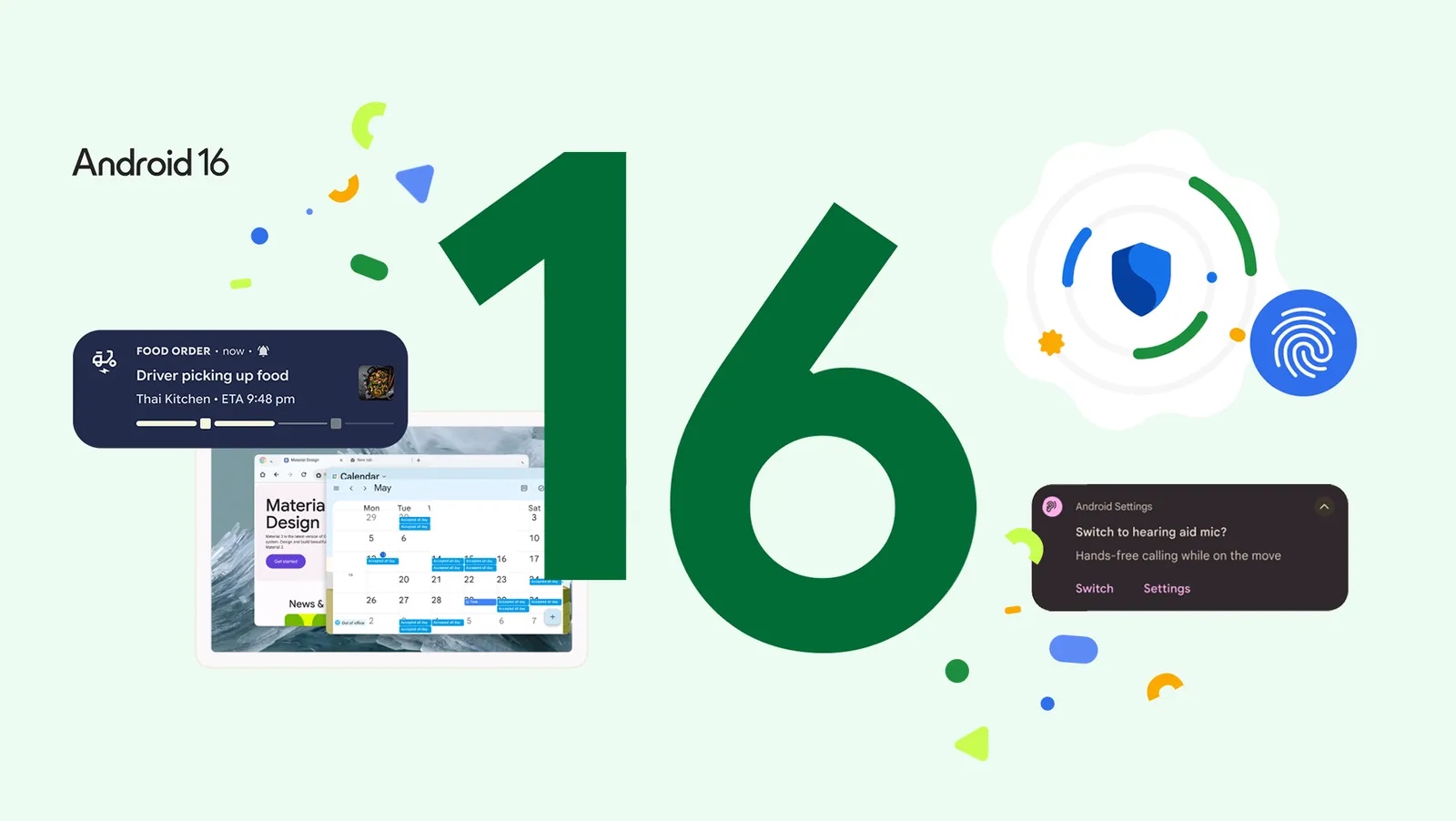
Android 16 is officially out, and for the first time in recent years, Google is launching its major mobile operating system update earlier than expected — starting 10 June 2025 with supported Pixel devices.
The early rollout of Android 16 brings a host of new features aimed at enhancing accessibility, productivity, and security — with a clear push towards refining the user interface under Google’s new “Material 3 Expressive” design language. Broader support for other Android phone brands is expected later this year.
Real-time alerts and cleaner notifications
One of the most immediate improvements Android 16 users will notice is smarter, more dynamic notifications. Live updates now keep users informed in real-time for services like food delivery and ride-hailing, reducing the need to constantly open apps. This capability is being extended to ecosystem partners, including Samsung’s Now Bar and OPPO and OnePlus’ Live Alerts.
To declutter users’ screens, Android 16 is also introducing automatic grouping of notifications from the same app — aimed at reducing information overload.
Accessibility boost for hearing aid users
Google is significantly improving the Android experience for users of hearing aids. The update allows switching audio input from the hearing device’s microphone to the phone’s microphone, improving call clarity in noisy environments. Android 16 also introduces native support for hearing aid controls, letting users adjust settings like volume directly from their phones.
Advanced security, simplified
Security is front and centre in Android 16, with the launch of “Advanced Protection” — Google’s most robust mobile security suite yet. Designed to defend against sophisticated threats such as phishing, malware, and scam calls, this feature is now just a tap away. It’s tailored for high-risk individuals, such as journalists or public figures, but available to anyone prioritising privacy and protection.
Desktop-class productivity for tablets
Android 16 deepens Google’s collaboration with Samsung to deliver a desktop-like experience for tablets and foldables. The new desktop windowing feature — set to roll out later this year — allows users to open, resize, and move multiple app windows on a single screen, similar to how one would on a PC. It builds on the existing split-screen and single-app views, offering more flexible multitasking.
Additional productivity tools are also on the horizon, including support for custom keyboard shortcuts, an improved taskbar with overflow management, and the ability to connect Android devices to external displays for a fuller desktop experience. Developers can begin testing these enhancements immediately.
What’s next?
More updates are expected later this year, including HDR screenshot support, adaptive refresh rate adjustments, and broader integration of identity verification features. Android 16’s Material 3 Expressive design will also extend to Wear OS 6 on Pixel smartwatches.


Share your thoughts