

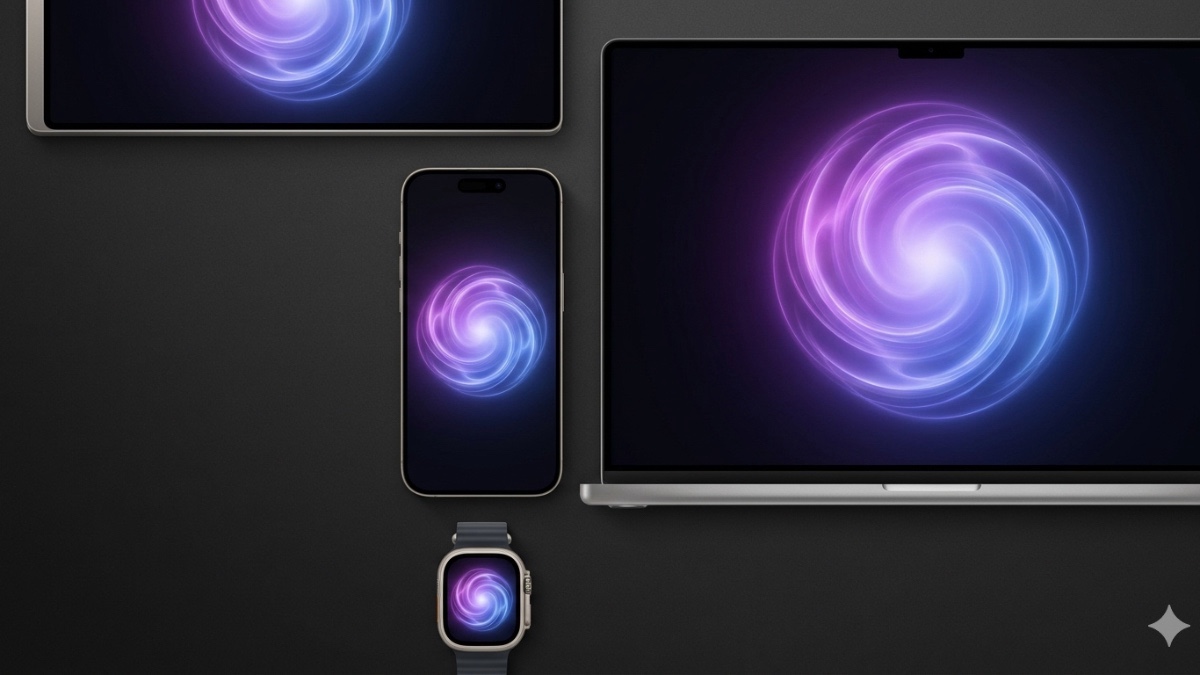
Apple’s Siri AI, unveiled at WWDC26 on 8 June 2026, is not a software update — it is a complete rebuild.
Arriving with iOS 27 this autumn, the new assistant introduces capabilities that go far beyond voice commands: it can act across apps, see what you see, write on your behalf, and hold a real conversation.
Here are the nine most significant new features coming to Siri AI in iOS 27.
1. A dedicated Siri app with conversation history
For the first time, Siri has its own standalone app. Because conversations are now longer and more complex, Apple has built a dedicated interface where users can review past chats, pick up where they left off, or kick off entirely new sessions. Conversation history is synced privately across all your Apple devices via iCloud, so a task started on iPhone can be continued seamlessly on Mac or iPad.
2. Cross-app intelligence and multi-step actions
Siri AI can now execute multi-step tasks that span multiple apps — without the user having to open any of them. Ask Siri to find photos from a specific trip, filter by the people in them, and add them to a shared album, and it will handle the entire sequence by voice. It can also search your messages for a friend’s address, generate directions with a stop there, or locate past conversations about a contractor and draft a follow-up email. This is the contextual, agentic Siri Apple first promised at WWDC 2024.
3. Visual intelligence via the iPhone camera
A new “Siri Mode” is built directly into the iPhone Camera app. Tap the shutter button to let Siri see what is in front of you — point your phone at a plate of food for nutritional information, or hold it over a restaurant receipt and ask Siri to split the bill using Apple Cash. It is Apple’s answer to Google Lens, but integrated at the OS level and tied to real actions rather than just search results.
4. Mac screen awareness
On macOS 27, a dedicated keyboard shortcut lets users select any element on their screen — text, images, files — and query Siri about it directly. As an example, Apple demonstrated selecting three differently formatted text files and asking Siri to compare them and build a table. Siri is also now integrated into Spotlight, meaning users can type questions straight into the Mac search bar without opening a separate interface.
5. System-wide writing and proofreading
Siri AI can now draft text virtually anywhere you can type across the system. Describe what you need in natural language and Siri generates it — no need to open a separate app. When drafting in Mail or Messages, Siri adapts its tone to the recipient, automatically using a more direct, structured style for a manager or a casual register for a friend. It also powers automatic proofreading as you type, extending to most third-party apps without any additional setup required.
6. visionOS real-world object awareness
On Apple Vision Pro, Siri AI gains awareness of the physical world around you. Simply look at an object and ask Siri about it — whether a backpack will fit as airline carry-on luggage, or whether a pair of boots will physically fit inside it. Siri also gets a 3D visualisation on visionOS that can be placed anywhere in your space, and users no longer need to say “Hey Siri” — making eye contact with the visualisation is enough to begin.
7. Richer, more conversational interactions
Siri AI supports genuine back-and-forth conversation — follow-up questions, brainstorming, iterating on complex tasks across multiple turns. The assistant’s voice has been redesigned to be more expressive, with user-adjustable expressivity and pace settings. On iPhone, users can swipe down from the Dynamic Island to switch from voice to typed input mid-conversation.
8. Enhanced dictation across the system
System-wide dictation — built into the keyboard — has been significantly improved in accuracy, with better handling of spelling, punctuation, and capitalisation. The upgrade extends to CarPlay and AirPods, making voice input more reliable across Apple’s full hardware ecosystem.
9. Third-party app integration via App Intents
Developers can now connect their apps to Siri AI through App Intents, allowing users to pull information from or take actions within third-party apps entirely through Siri. Apple cited Line, the messaging app widely used across Southeast and East Asia, and calendar app Structured as early examples. For users in the region, this opens up the possibility of Siri handling tasks inside locally popular apps — not just Apple’s own.
When can you get Siri AI?
Siri AI will launch as a beta in English later in 2026, with a full release arriving alongside iOS 27 this autumn. It requires an iPhone 16 or later, iPhone 15 Pro or Pro Max, or an Apple Silicon Mac with M1 or later. It will not be available on iOS or iPadOS in the EU at launch, and is not coming to China while Apple works through local regulatory requirements. Mac, Apple Watch, and Apple Vision Pro users in the EU will have access when the software ships.
For a full breakdown of what Siri AI means for Apple’s position in the AI race, read our WWDC26 news report.


Share your thoughts