

Android devices have faced criticism for vulnerabilities, prompting concerns about the operating system’s commitment to security amidst its reputation for creativity and versatility. This is understandable as it’s the operating system that facilitated online scams, tricking users into downloading unofficial apps, resulting in financial losses for the victims.
But Android is not exactly the issue here. There are three other factors at play and need to be tackled. The first is the prioritisation of better specs over security, the second is security education and the third is a persistent problem in cybersecurity, us.
Long pursue of better specs neglects security
For many years, smartphone manufacturers have primarily prioritised features like camera quality, screen size, and storage and RAM capacity. Unfortunately, security has been overlooked and neglected.
When it comes to security on Android devices, most manufacturers have adopted a “don’t ask, don’t tell” attitude. Since Android belongs to Google, and these devices are marketed as using Android, the natural allusion to potential vulnerabilities tends to gravitate towards the bigger name in the frame.
Just think about the last time you thought about the security on your phone. You probably asked if Android is safe rather than the brands.
Awareness and education needed
A recent conversation with a colleague who laughed when I mentioned Samsung’s good security on its Galaxy, and another colleague who was unaware of security software on Android devices reveals the tale of awareness and education.
Take Samsung Knox, for example. Samsung has never hidden the security feature, and it has been widely publicized, often alongside their other cool features. However, because Samsung Knox is tied in with the other shiny new things, consumers’ attention naturally gravitates towards better cameras and specs.

For the uninitiated, Samsung Knox is a military-grade mobile security platform integrated into all Galaxy devices. According to Samsung, it enhances Android’s hardened security platform and provides intelligent security services, including Google Play Protect.
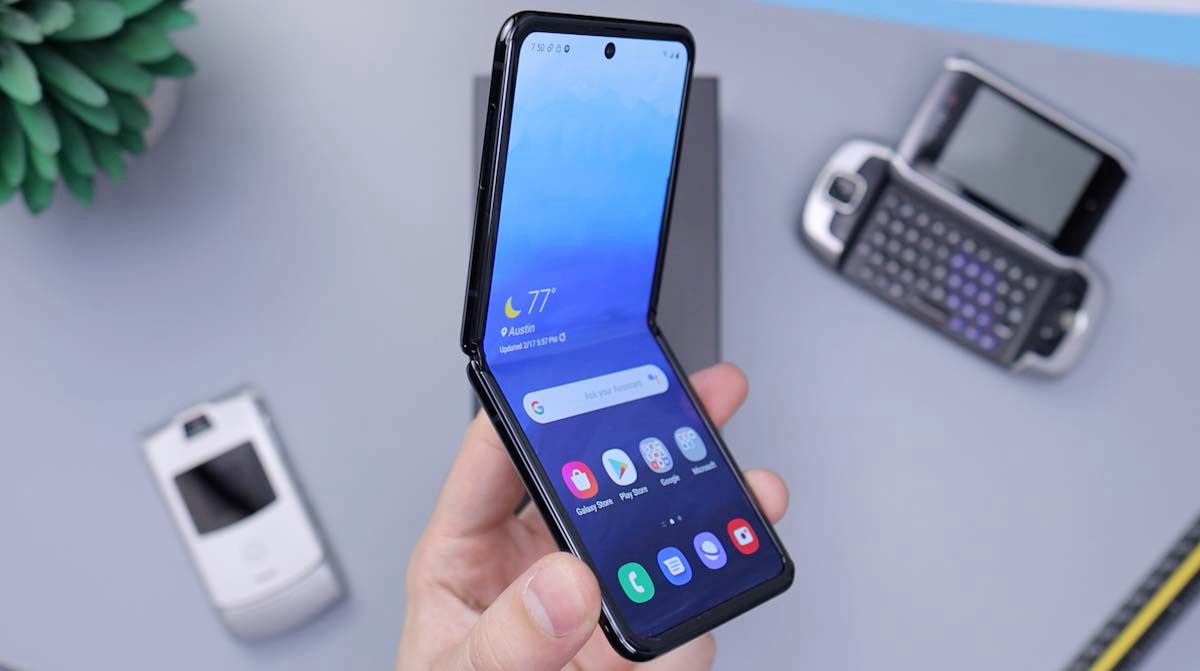
It also offers essential controls for businesses and end users by actively defending against potential cyberattacks and exploits. With the recent Galaxy Z Flip5, Samsung added a new feature called Knox Vault. This is where your private data is secured and protected. This means that your passwords, biometrics and other security critical information are protected by secure hardware that is isolated from others.
What this also means is that by nature, Samsung Galaxy devices are safe and secure. It also provides you a view of security and threats on your device. This layer of security may be absent in other competitors’ devices.
While advertisements for new devices are essential to generate sales, it is equally important to have dedicated ones that uplift confidence in the phones. That’s what Apple did in their commercials, and perhaps this is why.
Humans are a big security vulnerability
As users, we often attribute blame to device vulnerabilities, a flawed product roadmap, or developer errors. However, the most vulnerable aspect of device security is not the device itself, but rather us, the users.
Just a scan on the news and we find a plethora of issues that can be traced back to users, enabling vulnerabilities. Hence, it is time we take responsibilities for our actions and start taking care of our tech before a scam happens.
Useful tips to defend ourselves against scammers
- Keep Software Updated: Regularly update your smartphone’s operating system and apps to ensure you have the latest security patches and features.
- Use Secure Passwords: Set strong, unique passwords for your device and accounts. Consider using a password manager for added convenience and security.
- Enable Two-Factor Authentication (2FA): Activate 2FA whenever possible to add an extra layer of security to your accounts. This typically involves receiving a code on a secondary device or through an authentication app.
- Download Apps from Official Stores: Stick to official app stores like Google Play for Android or the App Store for iOS. Avoid downloading apps from third-party sources to minimize the risk of malware.
- Check App Permissions: Review the permissions requested by apps before installing them. Be cautious if an app requests access to unnecessary or sensitive information
- Be Wary of Phishing Attempts: Avoid clicking on suspicious links in emails, messages, or websites. Be cautious of unsolicited communications and verify the legitimacy of requests for personal information.
- Review and Manage App Permissions: Periodically review and manage the permissions granted to apps on your device. Disable any permissions that are unnecessary for the app’s functionality.
- Educate Yourself on Security Best Practices: Stay informed about common security threats and best practices for mobile device security. Being aware of potential risks can help you make informed decisions.


Share your thoughts